
Overtime tracker for hourly workers
Know exactly when overtime starts.
Clock in with one tap. Watch your week fill up toward 40 hours, see overtime coming before it hits, and check every paycheck against your own record.
Downloadon the App Store

The 40-hour line
Every hour past 40 is worth 1.5×. Overhour shows you where you are.
A sample week at $20 an hour under the federal rule. The amber part is overtime: the hours your pay stub should show at time and a half.
Sample figures to show the math, not anyone's real pay. Try your own week in the overtime calculator.
What it does
Your own record, next to the pay stub.
Employers keep their records. Overhour keeps yours, so a missing hour shows up before payday, not after.
Clock in with one tap
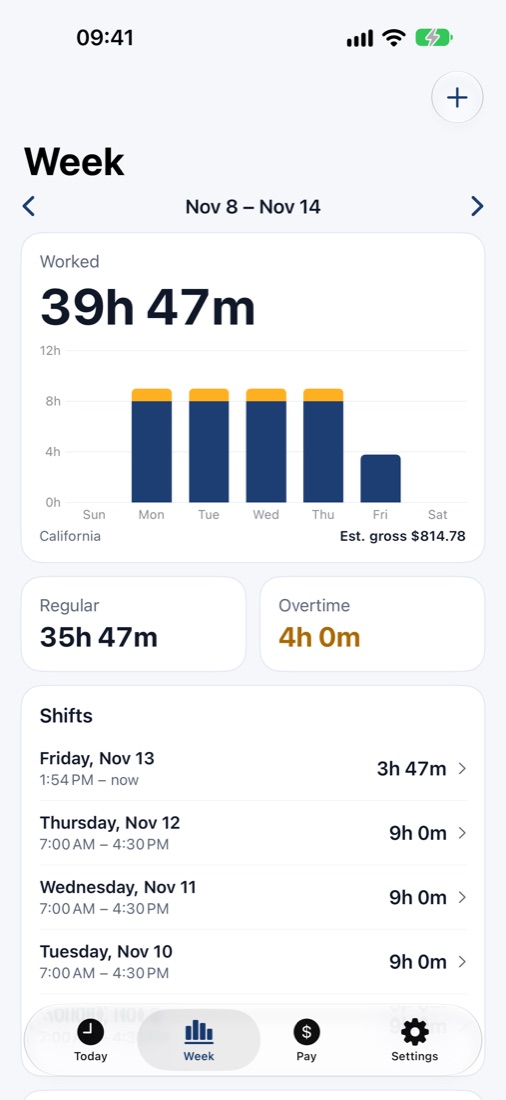
From the app, the Lock Screen, a widget, Siri or the Action Button. Your shift runs on the Lock Screen and in the Dynamic Island.
Breaks come off
Start an unpaid break with a tap. Forgot to clock out? Fix any shift by hand.
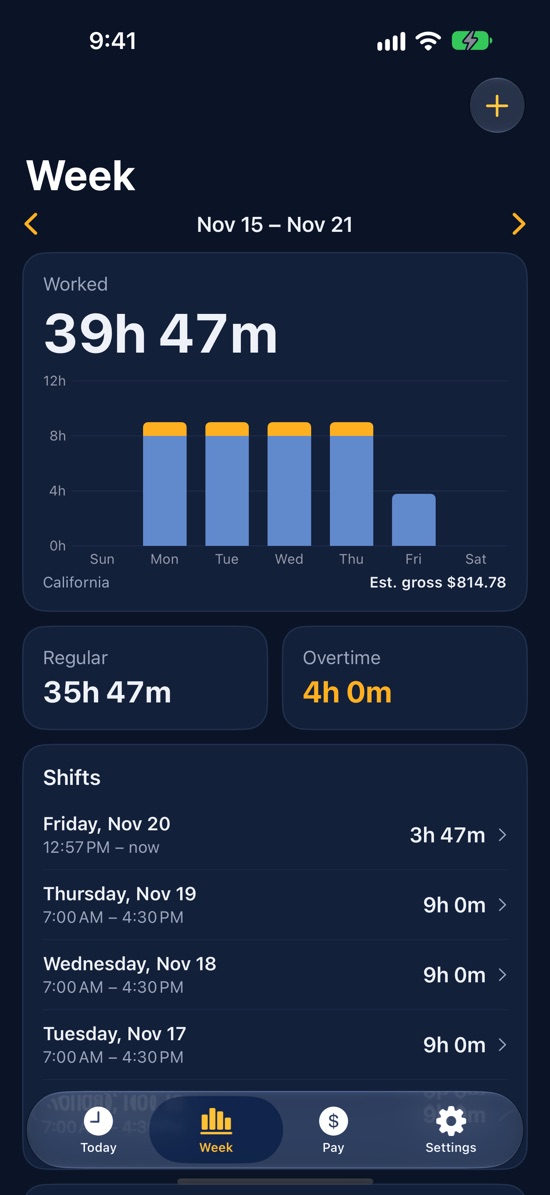
Overtime as you go
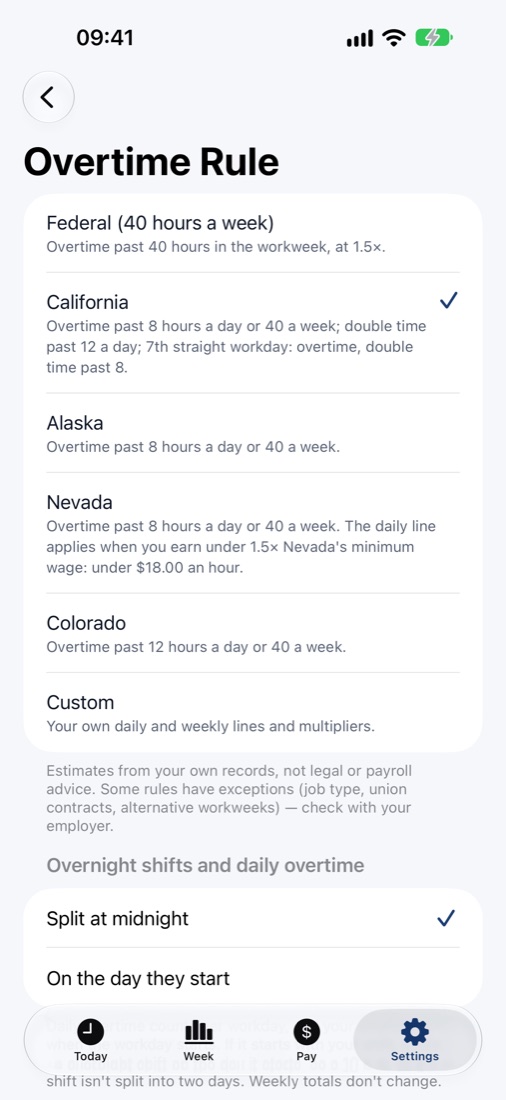
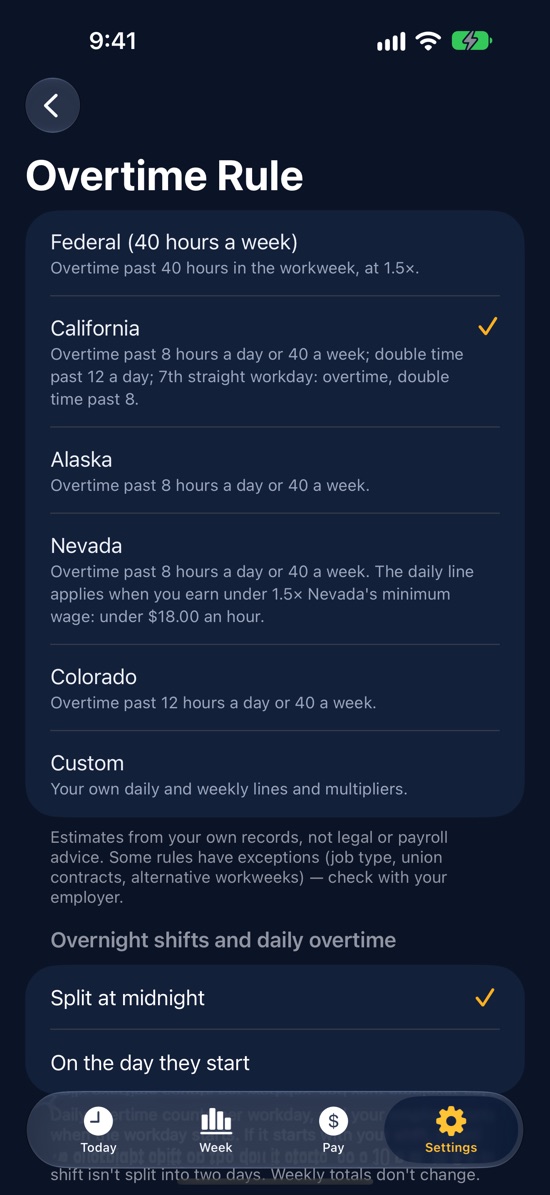
The federal 40-hour rule built in. California, Alaska, Nevada and Colorado daily overtime, or your own rule, with Pro.
Was I paid right?
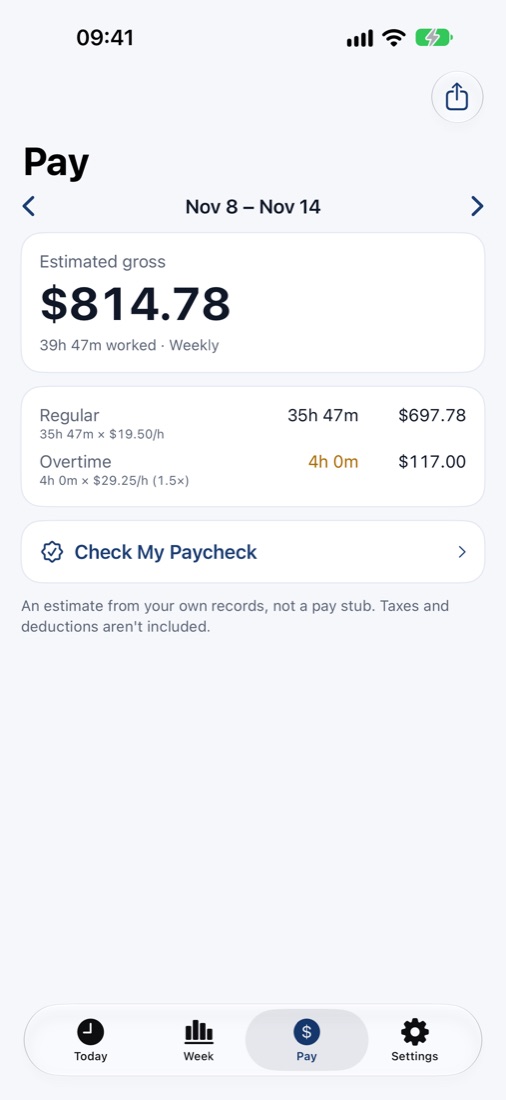
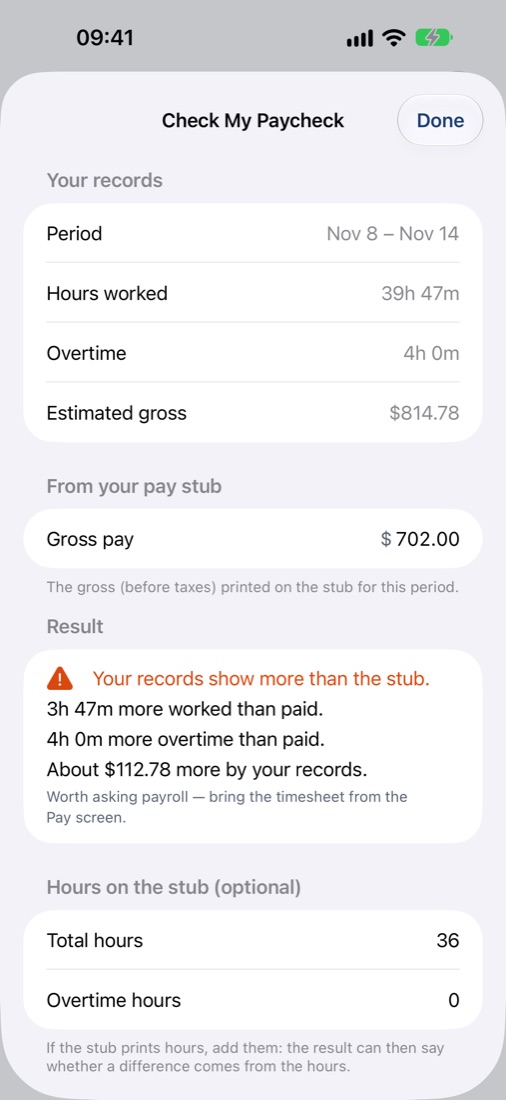
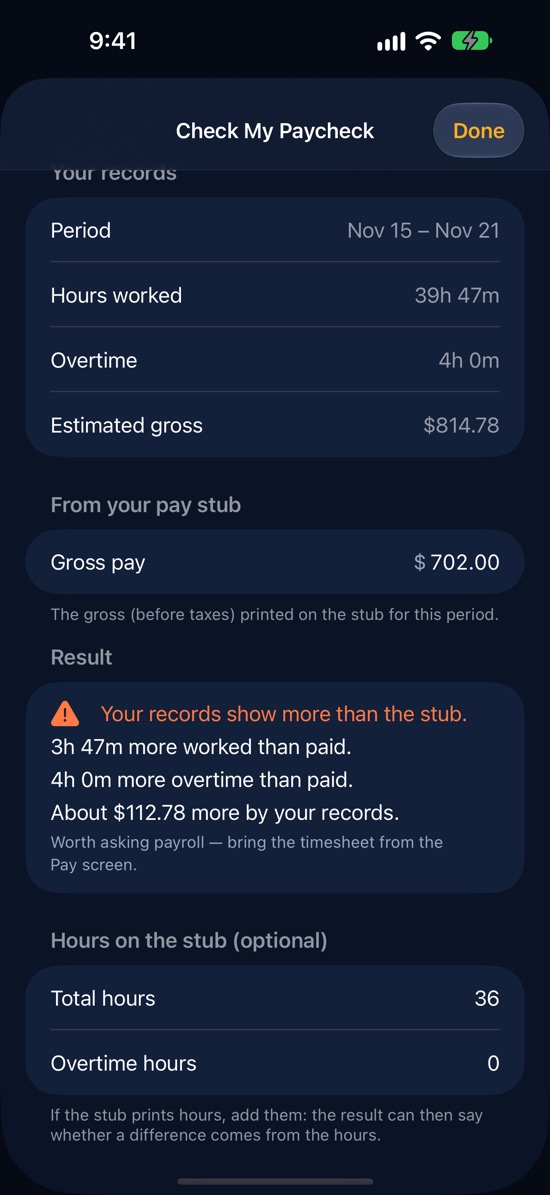
Enter the gross from your pay stub and see the gap against your own records, shift by shift.
What your week is worth
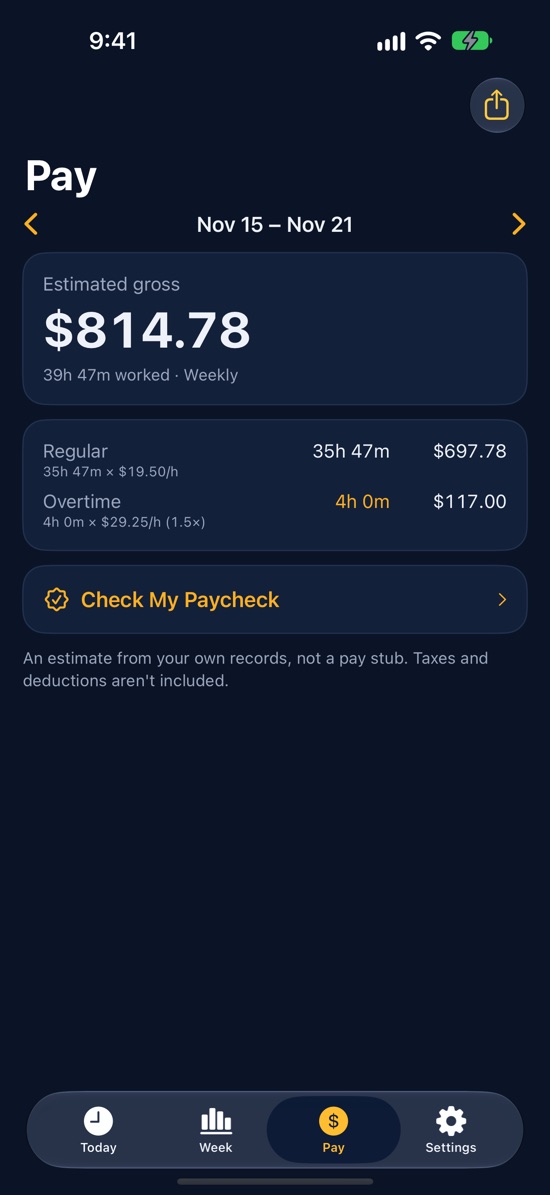
Add your rate and see an estimated gross for the week and the pay period, with night, weekend and holiday pay in Pro.
Timesheets
Share a PDF or CSV of any pay period with payroll, or keep it for yourself.
Inside the app
Built for a quick look between tasks.
Guides
Overtime and pay, explained.
Plain answers with worked examples and official sources.
 State rules
California overtime rules: after 8 hours, double time, and the seventh day
California pays overtime after 8 hours in a day, double time after 12, and special rates on the seventh straight workday. The rules, worked examples, and the exceptions.
 Paychecks
Missing hours on your paycheck? How to check, and an email you can send
Your paycheck is short or overtime is missing. How to find the gap day by day, the common causes, an email example for payroll, and where to go if it isn't fixed.
 Taxes
No tax on overtime, explained: what counts, the $12,500 limit, and an example
How the no tax on overtime deduction works for 2025–2028: only the "half" of time and a half counts, the $12,500 limit, Schedule 1-A, and where to find it on your W-2.
 Overtime pay
Time and a half: how overtime pay is calculated (with a table for $15–$30 an hour)
How much is overtime pay at $20 an hour? When does overtime kick in, after 40 hours or after 8? The time and a half formula, worked examples, and a pay table.
Questions
Where are my records stored?
On your iPhone, in Apple's on-device database. Overhour has no accounts and no servers, so nobody else can see your hours, including us. Deleting the app deletes them; export a timesheet when it matters to you.
Which overtime rules does it know?
The federal rule (over 40 hours in a workweek) is built in. With Pro you can switch to California, Alaska, Nevada or Colorado daily overtime, or set your own daily and weekly thresholds.
Is it the same as my employer's time clock?
No. Overhour is your own record, kept next to your employer's. It shows estimates from what you log, so you can spot a missing hour before payday.
How do I restore a purchase or cancel a subscription?
Restore a purchase in the app: Settings › Restore Purchases. Manage or cancel a subscription in iPhone Settings › your name › Subscriptions.
A rule doesn't match my state, or I found a bug.
Email [email protected]. Real cases from real pay stubs are how the rules get better.
Overhour works out estimates from what you log. It isn't legal, payroll or tax advice.
Next payday, check the hours yourself.
Free to download. Your records stay on your iPhone.